
9 Best GIF Makers For Your Project

Ronak Kadhi
August 5, 2025
The question might arise as to what apps are available to create GIFs. We'll guide you through the benefits of each type of GIF program, including editing software, programs for Mac and PC, and apps that make GIFs.
We'll cover free programs, paid programs, and apps that make GIFs. We'll also discuss the pros and cons of each option, as well as which programs are best for creating different types of GIFs.
Some of the most user-friendly GIF creation tools include Giphy, which allows you to create GIFs from videos or images with ease. Another great option is EZGIF, an online tool that offers a variety of editing features for customising your GIFs. For mobile users, the app ImgPlay is highly recommended for its intuitive interface and extensive editing options.
9 Best GIF Makers For Your Project
1. Movavi Video Converter
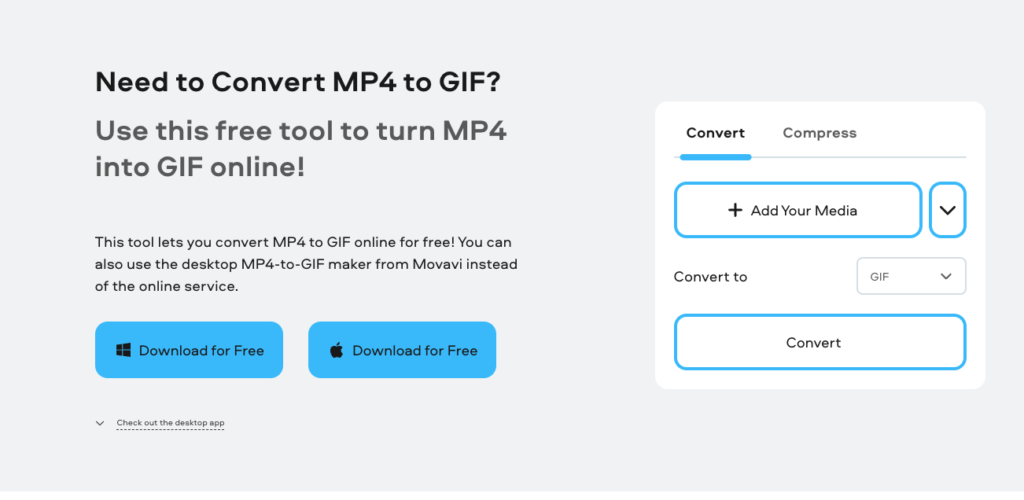
Best for: batch conversion & ability to convert files to 180+ formats
Movavi Video Converter 2022’s latest creative software is designed to be so much more than a GIF-making machine (although it does that, too). As the name implies, it’s a superfast video converter for all types of media files: convert video and files to any platform or device with a few clicks. You can extract audio and images from video, and then rotate, crop, or merge video – all of which make it a top-notch GIF-making program.
How to make a GIF with Movavi Video Converter
First, download, install, and launch the software.
Drag and drop the source video into the program.
Right-click and then click Edit, and trim down the fragment on the Trim tab.
Then hit Save and Close.
Go to the Images tab, click the dropdown menu to select GIF as the target format, and choose an appropriate preset.
To create a GIF, click Convert.
Pros:
Very quickly convert to over 180 formats
Batch conversion
Editing and conversion in one place
Intuitive interface
200+ presets that cover all popular devices
Cons:
Can’t convert GIFs by URL
2. GIMP
Operating systems: Windows, macOS, and GNU/Linux
Best for: comprehensive image editing
GIMP is so much more than just a free image editor; it’s been available in some form or other for more than 20 years, so old by computer standards. For that matter, GIMP stands for GNU Image Manipulation Program; no surprise for the GNU part, because it’s first and foremost an image editor. If you want to think about what that means for comparison, think of Photoshop by Adobe. Because a GIF is an animated image, GIMP is very good freeware for that, and overall, one of the better free GIF editors available.
Pros:
Very refined image editing tools
Simple process for creating GIFs (see FAQs)
Open-source (free) GIF make
Cons:
A complex program to learn
Not as intuitive and can be confusing
3. SSuite Gif Animator
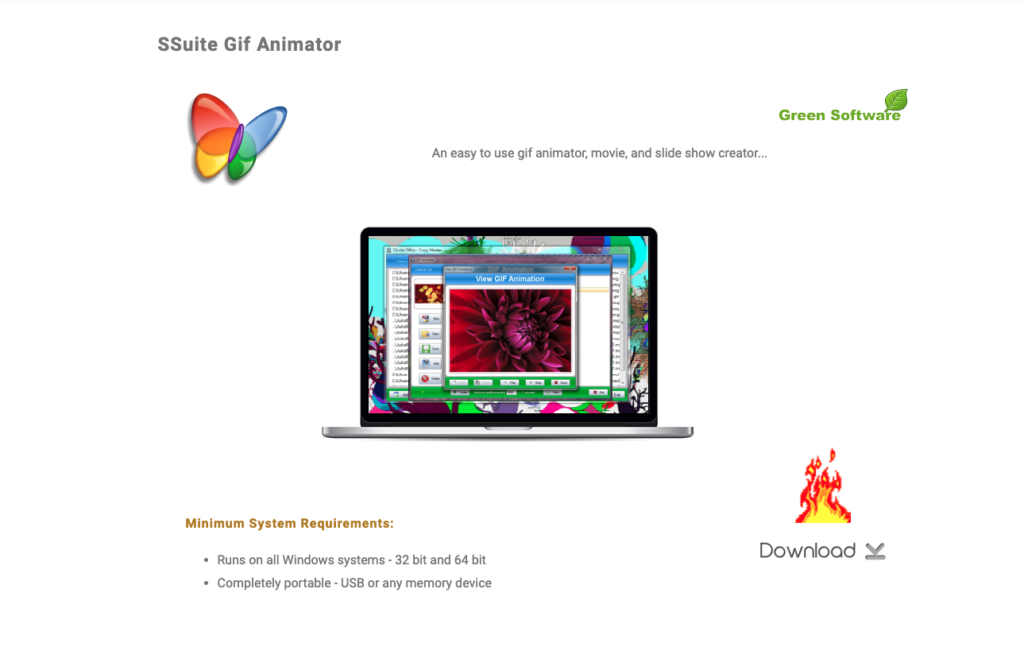
Operating system: Windows
Best for: simple interface
SSuite Gif Animator – user-friendly, no-nonsense, free GIF editor software: Point and click is all you need to know to get started with creating GIFs, slide shows and generating basic video clips. Want your GIF maker software to be simple to use? If so, it doesn’t get any simpler than this free GIF maker software for PC, which requires hardly any disk space on your computer. As green software, it requires the least amount of system resources.
Pros:
Can be used on both 32- and 64-bit systems
Creates GIFs quickly
Unfussy user interface
No registration
Have an online edition in case you don’t want to download
Cons:
Takes some time to learn to use it effectively
Not many functions do you have control over
Only supports JPG, JPEG, PNG, and BMP images
Unavailable on other operating systems
4. GiftedMotion
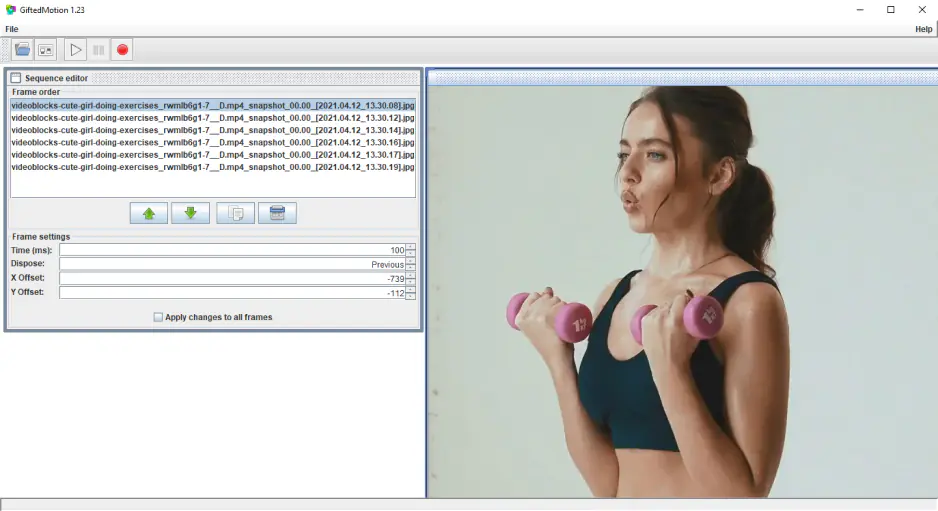
Operating systems: Windows, macOS, and GNU/Linux
Good for: users who want to conserve hard drive space – the app is distributed as a JAR file, so there’s
no need to install it. The clue is in the name: GiftedMotion is another free tool, this time dedicated entirely to making GIFs. This one comes from another small coder, Onyxbits, and is, like the others, on the small side, too: a few hundred kilobytes. They have a good website, where they proudly proclaim that ‘In keeping with the KISS principle, we made GiftedMotion as painless as possible.’
Pros:
Essentially no learning curve
Has a preview function
No need for installation, only requires adding the JAR to your desktop (requires Java)
Cons:
Doesn’t support formats other than JPG, JPEG, PNG, and BMP
Slow to load large files
5. ScreenToGif
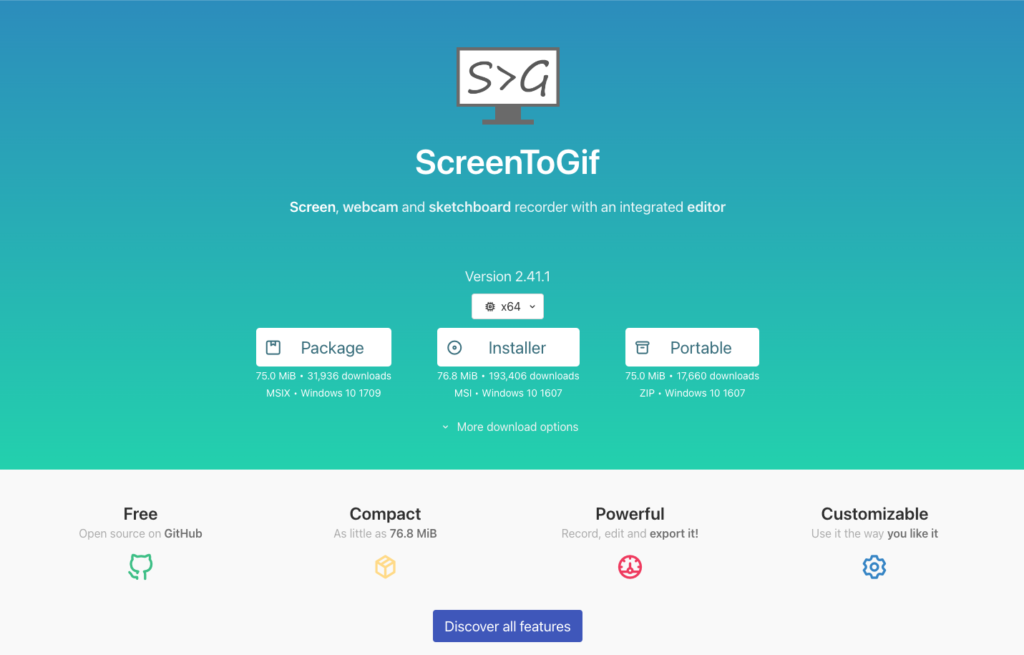
Operating system: Windows
Best for: creating GIFs by recording what’s on your screen
ScreenToGif is a cute and clever little program for creating GIFs by capturing your screen, webcam or sketchboard, which, put another way, is that it lets you turn what you’re seeing on-screen into a GIF in minutes. You have some basic editing controls, where you can add the cuts you need to flesh out your project, and you can mess around with the frames as much as needed, and in a pinch, you can drop in an existing video or image into a project you’re working on. It’s another little GIF maker that you can download for free.
Pros:
With a screen recorder, you can define which portion of your screen you want to capture, rather than recording your whole screen all at once.
Export to GIF, APNG, video, image, PSD, or a ScreenToGif project
Available in 24 languages
Open-source and available asa portabl,e so installing isn’t required
Cons:
A little bit of a learning curve
Only available on Windows
That's it - the best GIF maker software available - indeed a GIF maker for Windows, Mac and Linux.
And, as you can see, GIF editor software is available in all degrees of complexity and functionality. But when it comes to looking for GIF-making software that will be appropriate for you, think about what you need and also how good you are, because with some you’ll need to spend more time learning than others – no matter whether it’s animation GIF freeware or something more premium than that, you still find something interesting for yourself.
6. GIPHY
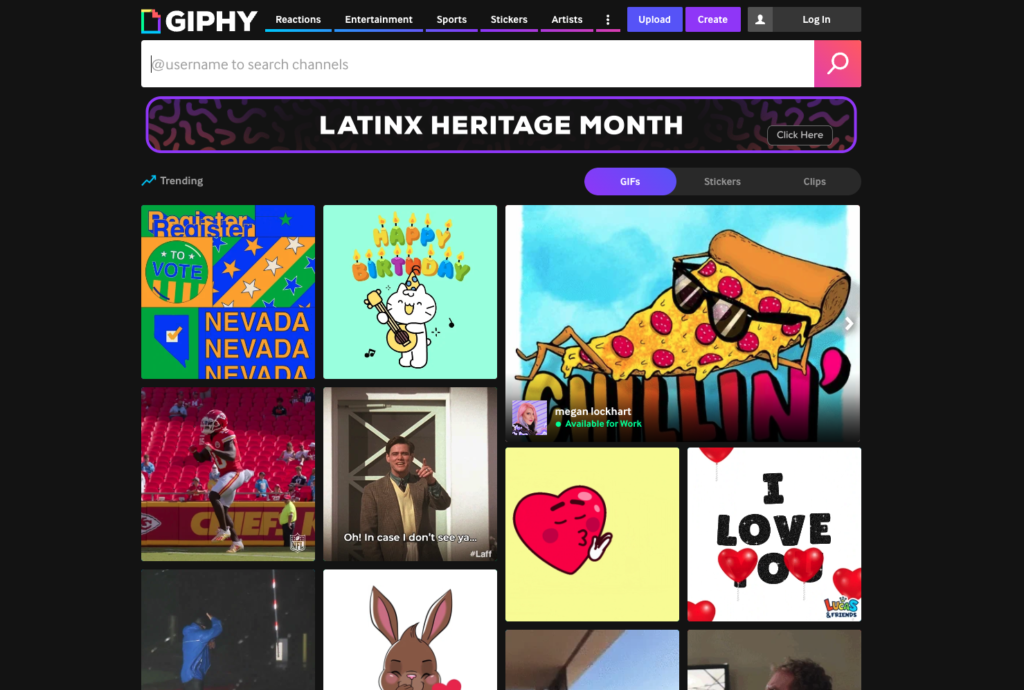
Best for: creating GIFs with clips from social media platforms
OS: any, web-based
For the most famous GIF repository and GIF generator online, GIPHY reports that it distributes more than 10 billion of its GIFs, stickers, arcade, video and more, to 0 million people worldwide. You can never have enough. There are always times when you cannot find the GIF you are looking for. GIPHY is also one of the top free online GIF animators.
Pros:
Simple uploading module to create GIFs
And you can also do a lot more to edit videos and images: animated captions, stickers, filters and more.
Can make GIFs with clips from YouTube, Vimeo, and many, many others.
Seemingly never-ending supply of already-made GIFs.
Cons:
Search can be tedious due to the abundance of content.
Accepted formats for upload are only JPG, PNG, GIF, MP4, and MOV.
GIFs can only be 15 seconds long. A simple uploading module to create GIFs
And you can also do a lot more to edit video and images: animated captions, stickers, filters and more.
7. Imgur

Best for: creating GIFs up to 60 seconds long
OS: any, web-based
A more recent entrant is Imgur, a sort of YouTube or Vimeo for in 2009 and with a reach of 250 million people per month, including billions of views. A top 15 site by Alexa.
Pros:
Also has a huge database of community-generated content
No need to make an account to use
Can make GIFs up to 60 seconds long
So easy – just click new post, then “video to GIF”, paste URL, trim.
Cons:
Limited file types supported for upload
Editing features are not particularly robust
Load times can vary
8. Ezgif
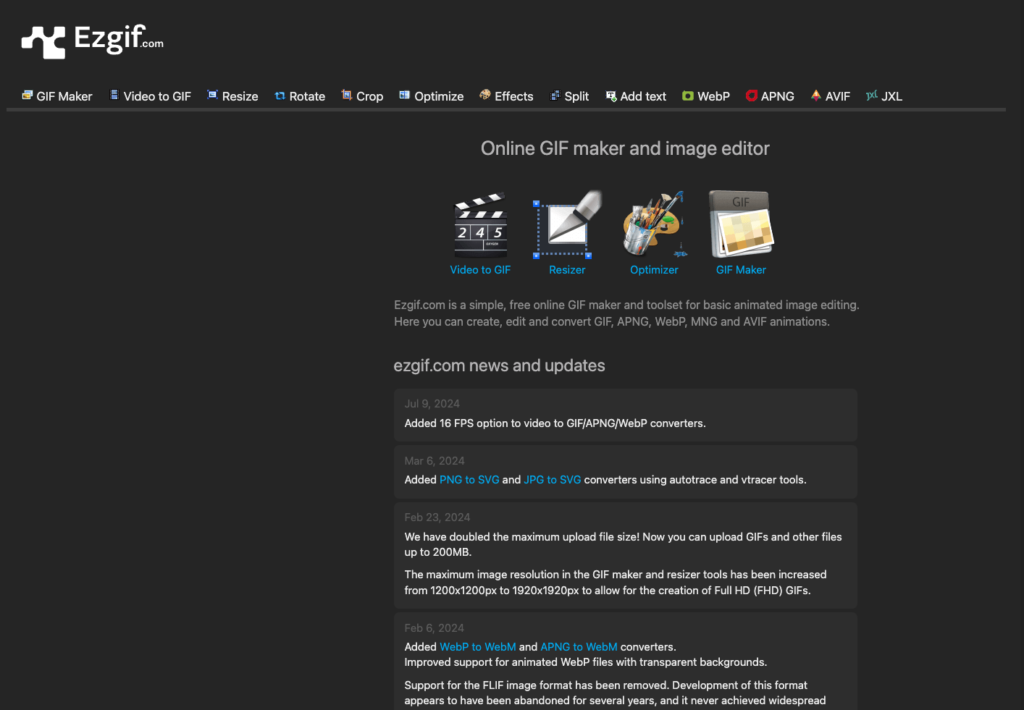
Best for: loading up to 2,000 images
OS: any, web-based
Ezgif is more like these free GIF maker apps than GIPHY or Imgur in that it’s created specifically as a tool to do that and not be a community. You simply upload your files and make your GIF with Ezgif, and that’s it. It’s a GIF maker in the truest sense of the word.
Pros:
A high ease of use and no need for much tech-savviness.Accepts more formats than the web alternatives: GIF, JPG, PNG, APNG, HEIC, MNG, FLIF, AVIF, WebP and more.
Can handle up to 2,000 files
Has a “tips” section which offers great advice
Cons:
Not many options for manipulating images
9. Picasion
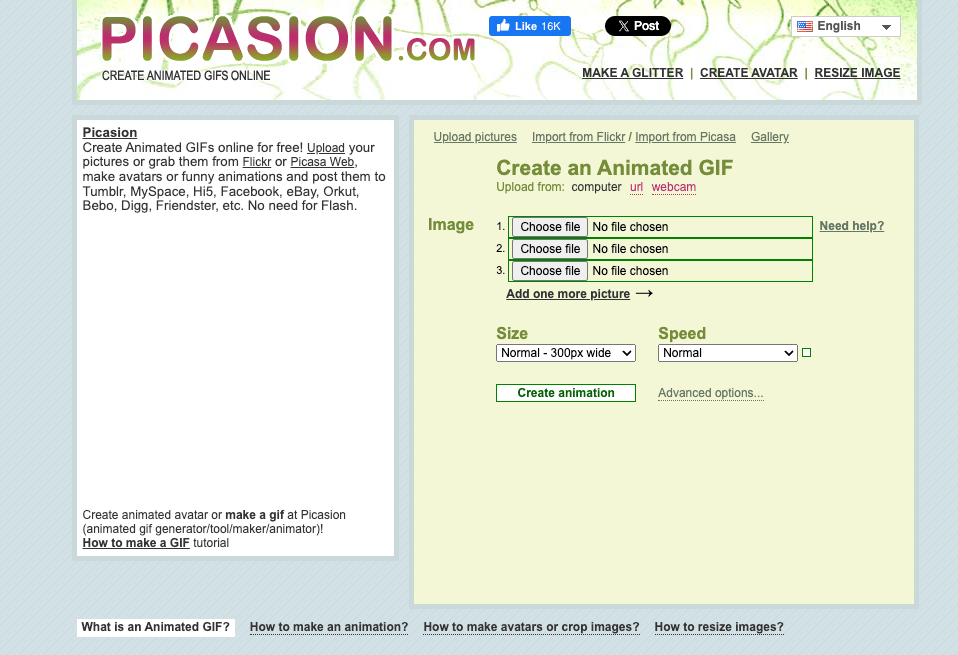
Best for: easily creating GIFs online
OS: any, web-based
It functions similarly to Ezgif, a handy tool for creating GIFs on the fly. Picasion is as barebones as they come. You can upload images from your computer, a URL, or a webcam, and get busy.
Pros:
Very straightforward
No registration needed
Can also create avatars and resize
Cons:
Outdated, clumsy user interface
Can’t make a GIF from a video
Limited functionality all around
Ready to explore more?
Discover more articles and insights about AI tools and productivity.
View All Articles