Adobe Photoshop AI | AI Tool Showcase

Ronak Kadhi
August 5, 2025
In a world where visual storytelling reigns supreme, the demand for powerful photo editing and background removal tools has soared. Whether you're a photography enthusiast capturing life's moments, a graphic designer crafting visual masterpieces, or a content creator enhancing your social media presence, having access to the right editing software can make all the difference. With 2024 bringing a fresh wave of technological innovation, it's time to explore the best alternatives to Polarr that promise to elevate your creative projects to new heights.
In this blog, we'll introduce you to seven exceptional photo editing and background removal tools that have emerged as strong contenders. Each tool offers unique features tailored to meet diverse user needs, from seamless editing capabilities to intuitive interfaces. We’ll discuss the standout updates and improvements these tools have incorporated in 2024, helping you make an informed decision on which one to choose for your creative endeavors.
Best Polarr alternatives for 2024.
1. Adobe Photoshop Express
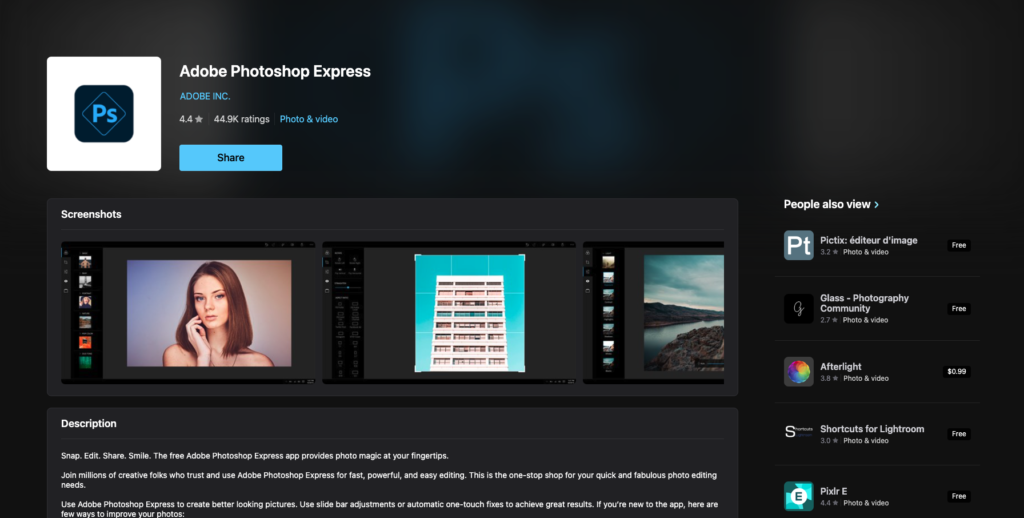
Adobe Photoshop Express, a lightweight version of the renowned Adobe Photoshop, continues to be a favorite among creatives. Designed for quick edits and on-the-go adjustments, it offers a range of features that cater to both beginners and seasoned professionals. The app's intuitive interface allows users to access powerful tools such as cropping, blemish removal, and color correction with ease.
One of the standout features of Adobe Photoshop Express is its ability to sync with Adobe Creative Cloud. This integration allows users to access their projects across multiple devices, ensuring seamless transitions from mobile to desktop. Additionally, the app provides access to a library of filters and effects, enabling users to experiment with different styles and moods.
However, while Adobe Photoshop Express is highly versatile, it may not offer the comprehensive editing capabilities found in its desktop counterpart. Some users might desire advanced features, such as layer manipulation and precise masking, which are not available in this mobile version. Nevertheless, its convenience and range of basic editing tools make it a worthy alternative for quick edits and enhancements.
2. Luminar AI
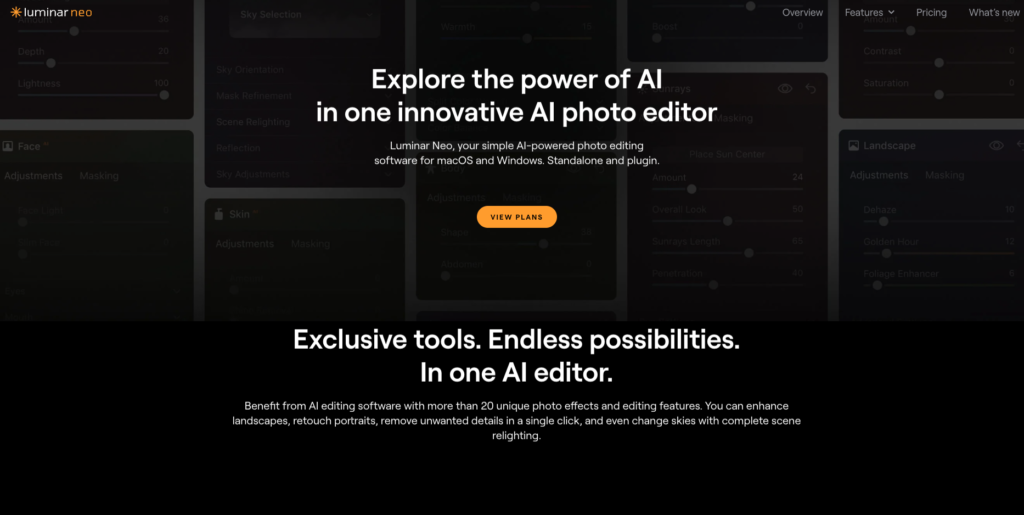
Luminar AI, developed by Skylum, has rapidly gained popularity as a revolutionary photo editing tool driven by artificial intelligence. What sets Luminar AI apart is its ability to simplify complex editing processes, making it accessible to users with varying levels of expertise. The software's AI-powered features, such as sky replacement and portrait enhancement, provide impressive results with minimal effort.
One of the key advantages of Luminar AI is its user-friendly interface, which allows users to achieve professional-quality edits without requiring extensive technical knowledge. The software offers a range of templates and presets, enabling users to apply artistic effects to their photos effortlessly. Additionally, Luminar AI's AI-based tools continuously improve, ensuring that users receive regular updates and enhancements.
Despite its many advantages, Luminar AI may not be the best fit for users who prefer manual control over every aspect of the editing process. While the AI-driven features are undoubtedly powerful, some photographers and designers might miss the precision and flexibility offered by traditional editing tools. Nonetheless, Luminar AI remains an excellent choice for those seeking efficiency and creativity.
3. Affinity Photo
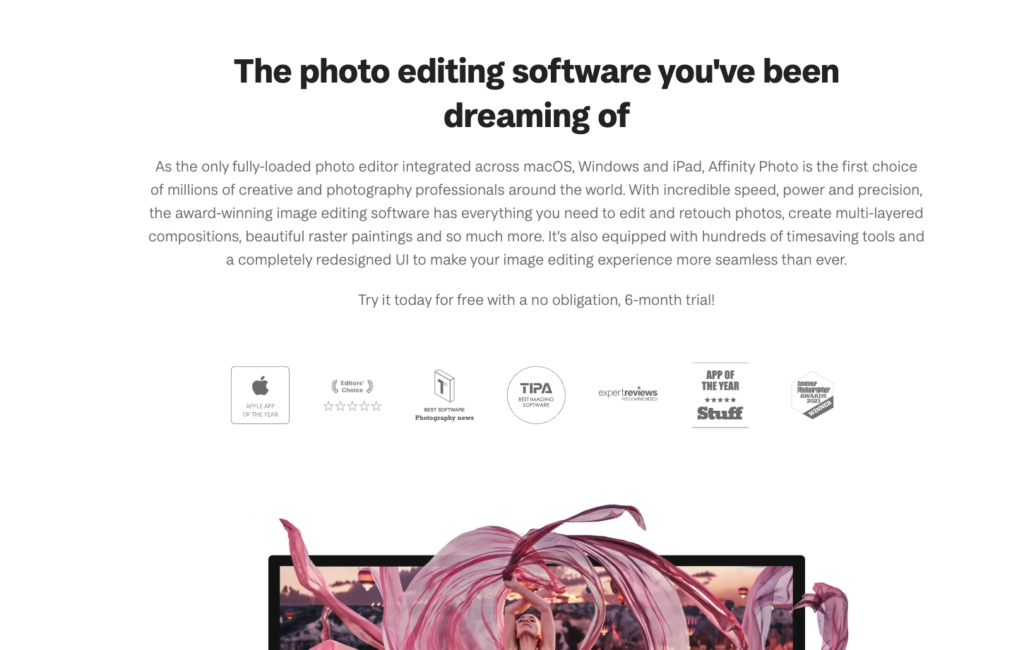
Affinity Photo, developed by Serif, has emerged as a robust competitor in the photo editing landscape. It offers a comprehensive suite of editing tools that caters to photographers and designers seeking advanced capabilities without the subscription-based pricing of other software. Affinity Photo provides a one-time purchase option, making it an appealing choice for budget-conscious creatives.
One of the standout features of Affinity Photo is its support for RAW editing, allowing photographers to retain maximum image quality and detail. The software's non-destructive editing capabilities ensure that users can experiment with various adjustments without compromising the original image. Additionally, Affinity Photo offers an extensive array of brushes, filters, and effects, empowering users to create intricate compositions.
While Affinity Photo's feature set is extensive, it may require a learning curve for users who are accustomed to other editing tools. The interface, while powerful, can be overwhelming for newcomers. However, for those willing to invest time in mastering the software, Affinity Photo stands out as a professional-grade alternative with impressive performance and capabilities.
4. Snapseed
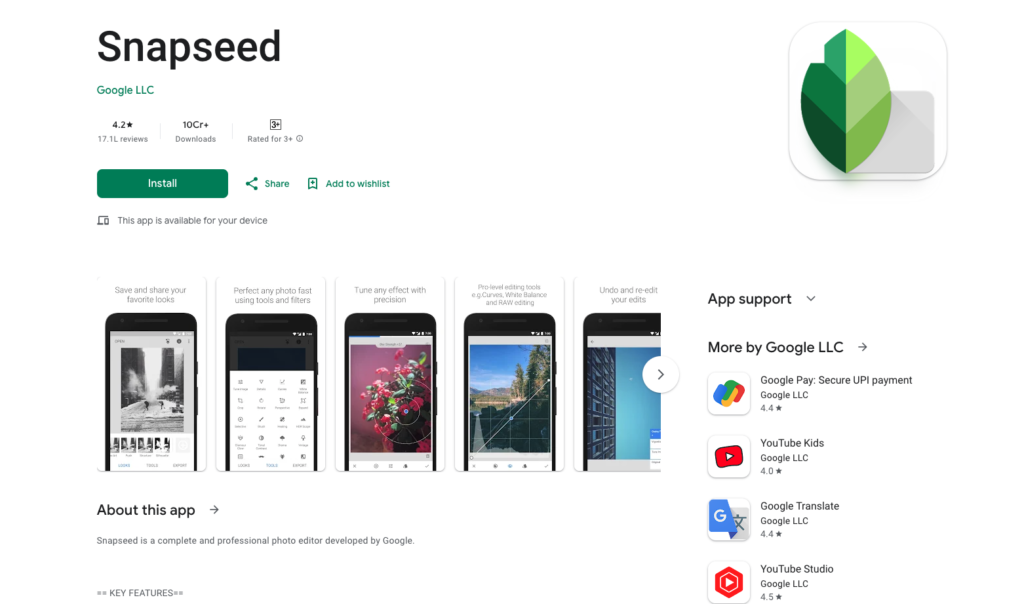
Snapseed, a mobile photo editing app developed by Google, has gained a reputation for its simplicity and effectiveness. It offers a range of editing tools, including filters, selective adjustments, and healing brushes, all accessible through an intuitive and user-friendly interface. Snapseed's popularity stems from its ability to deliver professional-quality results on a mobile platform.
One of Snapseed's standout features is its powerful "Selective" tool, which allows users to apply adjustments to specific areas of an image. This feature provides precise control over exposure, color, and detail, enabling users to enhance their photos with precision. Additionally, Snapseed's "Healing" brush effectively removes blemishes and imperfections, ensuring that portraits and landscapes alike look flawless.
Despite its mobile focus, Snapseed lacks some of the advanced features found in desktop editing software. Users seeking more intricate editing capabilities, such as layer management and batch processing, may find themselves limited. However, for quick and effective edits on the go, Snapseed remains a reliable choice for photography enthusiasts and content creators.
5. Canva Pro
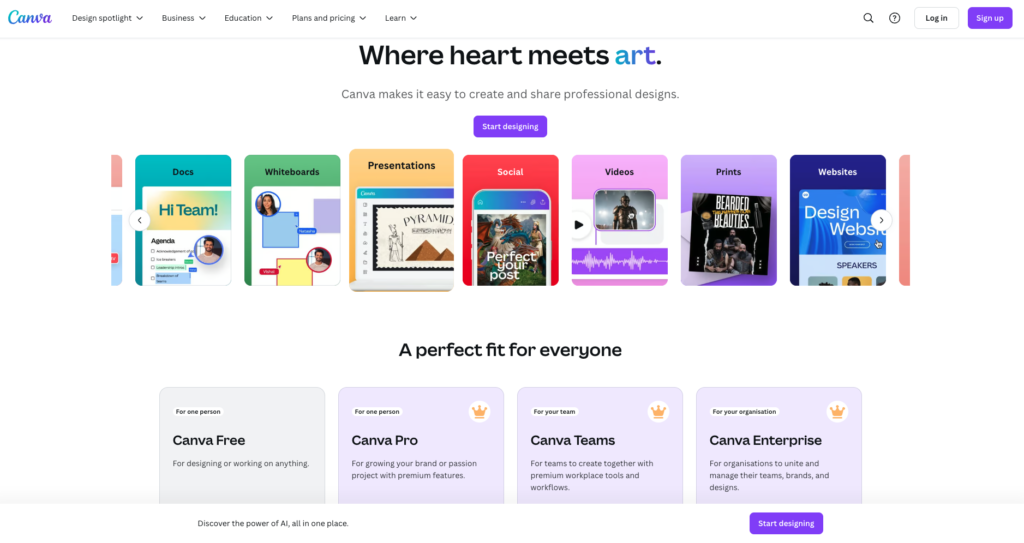
Canva Pro, known for its versatility and accessibility, has become a go-to tool for graphic designers and content creators alike. While primarily recognised for its design capabilities, Canva Pro offers a range of photo editing features that enhance its utility. The platform's drag-and-drop interface makes it easy for users to create visually appealing graphics and edit photos simultaneously.
One of the key strengths of Canva Pro is its extensive library of templates, graphics, and fonts, which enable users to create stunning visuals with minimal effort. The platform also offers a variety of filters and effects, allowing users to experiment with different styles and aesthetics. Additionally, Canva Pro's collaboration features facilitate teamwork and streamline the design process for groups.
While Canva Pro excels at design and basic photo editing, it may not offer the advanced features required by professional photographers and designers. Users seeking precise control over image adjustments and retouching may find the platform limiting. However, for those looking to combine design and editing capabilities in one comprehensive tool, Canva Pro is an excellent alternative.
6. GIMP
GIMP (GNU Image Manipulation Program) is an open-source photo editing software that has gained a dedicated following among photography enthusiasts and professionals alike. Known for its robust feature set and customization options, GIMP offers a powerful editing experience without the cost of premium software. Its open-source nature allows for continuous development and community-driven enhancements.
One of GIMP's standout features is its support for plugins and scripts, which extend its functionality and allow users to tailor the software to their specific needs. The software's layer-based editing and advanced brushes provide extensive control over image adjustments and artistic effects. Additionally, GIMP's compatibility with various file formats ensures seamless integration into existing workflows.
Due to its extensive capabilities, GIMP may have a steeper learning curve compared to more user-friendly alternatives. The interface, while highly customizable, can be overwhelming for newcomers. However, for users willing to invest time in mastering the software, GIMP offers a comprehensive and cost-effective solution for photo editing and creative projects.
7. Fotor
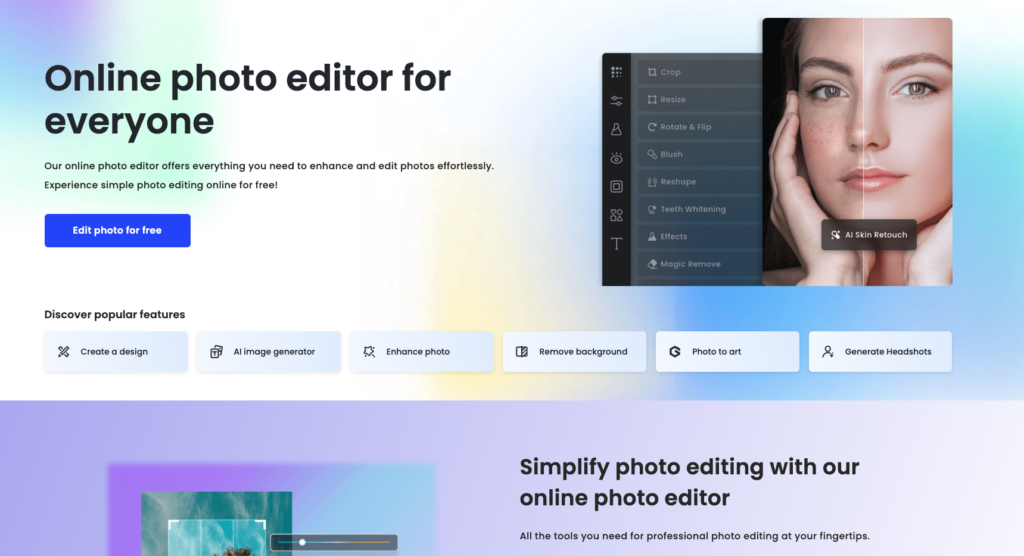
Fotor, a user-friendly online photo editing platform, has gained popularity for its accessibility and versatility. It offers a range of editing tools, including filters, retouching features, and collage templates, making it an ideal choice for both beginners and casual users. Fotor's cloud-based platform allows users to edit photos from any device with an internet connection.
One of Fotor's standout features is its "HDR" effect, which enhances the dynamic range of images and brings out vibrant colours and details. The platform also offers a "Beauty" feature for portrait retouching, allowing users to achieve flawless skin and captivating eyes effortlessly. Additionally, Fotor's "Collage" templates provide creative options for combining multiple images into visually appealing compositions.
While Fotor excels in user-friendliness, it may lack some of the advanced features found in more comprehensive editing software. Users seeking precise control over adjustments and extensive creative options may find the platform limiting. However, for quick edits and creative projects, Fotor offers a convenient and accessible solution for photography enthusiasts and content creators.
Conclusion
In 2024, the world of photo editing continues to evolve, presenting an array of powerful alternatives to Polarr that cater to diverse needs. Whether you're a photography enthusiast seeking seamless on-the-go editing or a graphic designer in search of advanced capabilities, these seven alternatives offer a variety of features and tools to enhance your creative projects.
From the AI-driven excellence of Luminar AI to the open-source versatility of GIMP, each tool brings something unique to the table. Consider your specific requirements and preferences to find the perfect fit for your workflow and creative vision.
Remember, the right editing software can transform your visual storytelling, allowing you to craft captivating images that leave a lasting impression. Explore these alternatives and discover the possibilities they hold for your photography and design endeavours in 2024.
Ready to explore more?
Discover more articles and insights about AI tools and productivity.
View All Articles