
Remove.bg vs Removal.ai : Select Best For You

Ronak Kadhi
August 5, 2025
In today's fast-paced digital world, the importance of captivating visuals cannot be overstated. Whether you're an editor, a photographer, or a creative professional, the need to remove backgrounds from images is a common task. Enter two of the most prominent tools designed for this purpose: Remove.bg and Removal.ai. Both promise to make background removal a breeze, but how do they stack up against each other? In this post, we'll explore their features, pros and cons, pricing, and more, to help you decide which tool best suits your needs.
Background Removal Tools Overview
Background removal tools have become essential for content creators aiming to enhance their visual content. With e-commerce booming and social media driving marketing strategies, clean, professional-looking images can make all the difference. Removing a distracting background allows the main subject to shine, grabbing the attention of your audience.
Remove.bg and Removal.ai are leading the charge with their innovative solutions that cater to both beginners and seasoned pros. But what sets them apart? Let's take a closer look.
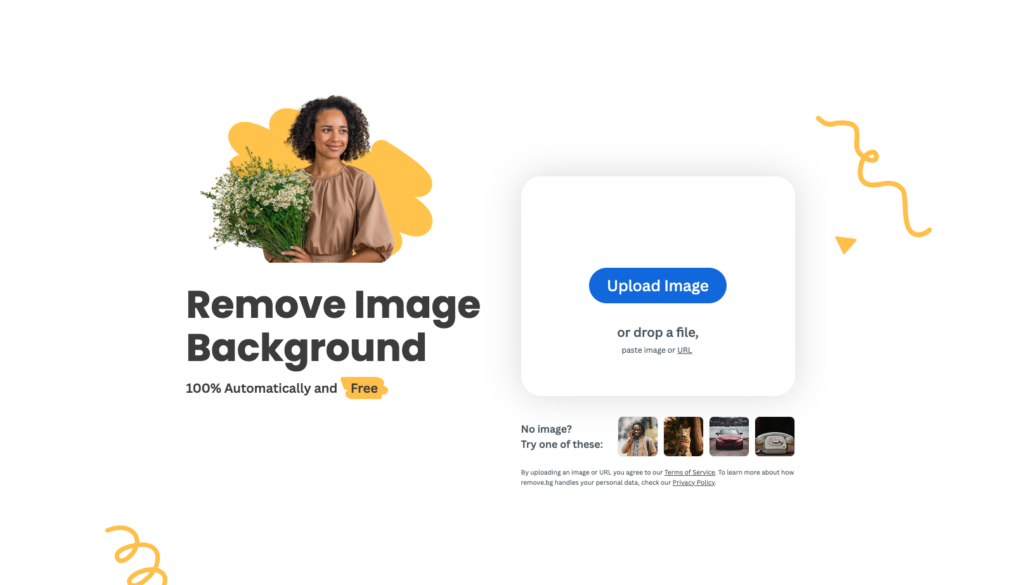
Features of Remove.bg
Remove.bg positions itself as a go-to tool for quick and easy background removal. It's designed to serve everyone from individual users to large enterprises:
Automatic Background Removal: Remove.bg uses AI technology to remove backgrounds in just 5 seconds.
Integration Capabilities: It integrates with popular design programs and platforms, enhancing workflow efficiency.
Stunning Quality: The tool excels at handling challenging elements like hair and intricate details without compromising quality.
Remove.bg's user-friendly interface and powerful AI capabilities have made it a favorite among many professionals seeking quick results without the hassle of manual editing.
Features of Removal.ai

Removal.ai offers a robust set of features that cater to a wide range of users:
Instant Background Removal: With AI-powered technology, Removal.ai promises a clean cutout in 3 seconds or less.
Versatile Editing Options: Beyond background removal, it offers a photo editor to add texts, effects, and more.
High-Resolution Output: Users can download high-quality images, ensuring flexibility for various uses.
Like Remove.bg, Removal.ai integrates with existing systems via API, making it a versatile addition to any digital toolkit.
Pros and Cons of Remove.bg
Pros:
Speed and Efficiency: Complete background removal in mere seconds.
High-Quality Results: Maintains detail and clarity, particularly with intricate edges.
Wide Integration: Fits seamlessly into existing workflows with plugins and API support.
Cons:
Pricing Considerations: Users need to subscribe for high-resolution downloads.
Limited Free Use: The free version offers only low-resolution output.
File Size Restrictions: Limited to processing images up to 12MB.
Pros and Cons of Removal.ai
Pros:
Rapid Processing: Achieves background removal almost instantaneously.
Flexible Editing Features: Includes tools for further customization and creativity.
Higher Free Resolution: Offers better resolution for free downloads compared to competitors.
Cons:
User Interface: May require some acclimatization for new users.
Subscription Required for enhanced features.
Initial Setup: Some users might find the setup process for API integration cumbersome.
Pricing Comparison
When it comes to pricing, both tools offer similar models with slight variations:
Remove.bg charges $9.00 for 40 images per month or $0.23 per image. They offer a pay-as-you-go option at $1.99 per image.
Removal.ai provides a more budget-friendly option at $5.99 for 40 images per month or $0.15 per image, with a pay-as-you-go price of $1.89 per image.
For those looking to maximize their budget, Removal.ai offers a slightly more economical option without sacrificing quality.
Conclusion
Choosing between Remove.bg and Removal.ai ultimately depends on your specific needs and priorities. Both tools excel at their core function—removing backgrounds efficiently and effectively. However, if budget constraints are at the forefront of your decision-making, Removal.ai may be the better choice due to its lower cost per image.
On the other hand, if integration capabilities and a reputation for handling complex details are more important, Remove.bg is a strong contender.
Remember, testing both tools is the best way to determine which aligns perfectly with your workflow and creative vision. Both remove.bg and removal.ai offer free trials, allowing you to experience their unique offerings firsthand. Whichever you choose, these tools are sure to enhance your creative projects and streamline your editing processes, enabling you to focus on what truly matters—creating stunning visuals that captivate and engage your audience.
Ready to explore more?
Discover more articles and insights about AI tools and productivity.
View All Articles